How it works
- 1Choose your opponent. Eight levels, each named after a piece. Start low; if you win, try the next level.
- 2Play your move. Drag a piece, or tap the piece first and then the square. Green dots show where the piece can go.
- 3Learn from every move. After each move the coach shows how good it was. Not sure? Ask for a hint or an explanation.
- 4Review the post-game analysis. After the game you see your accuracy, a graph of the game and the three moments where you could have played better.
A coach that really looks along with you
Most chess programs only say that a move was wrong. Our coach also tells you why: which piece is left unprotected, which move the computer would have played, and what you can do differently next time.
The coach is based on the calculations of Stockfish, one of the strongest chess programs in the world. That way you get explanations in plain language that are correct.
Eight levels, from Pawn to Grandmaster
Each level plays in a different way. The low levels make human mistakes: they sometimes leave a piece hanging or miss a threat. The higher the level, the further the computer calculates ahead.
What the assessments mean
After every move the computer calculates how much your winning chances change. The assessment follows from this:
Best move: exactly what the computer would play too. Good move and Fine: a small deviation. Theory: a known opening move. Inaccuracy: you give up some advantage. Mistake and Blunder: you give the opponent a big chance or even the game.
Your accuracy after the game works the same way as on Lichess: 100% means you played the best move every time.
Play on real wood
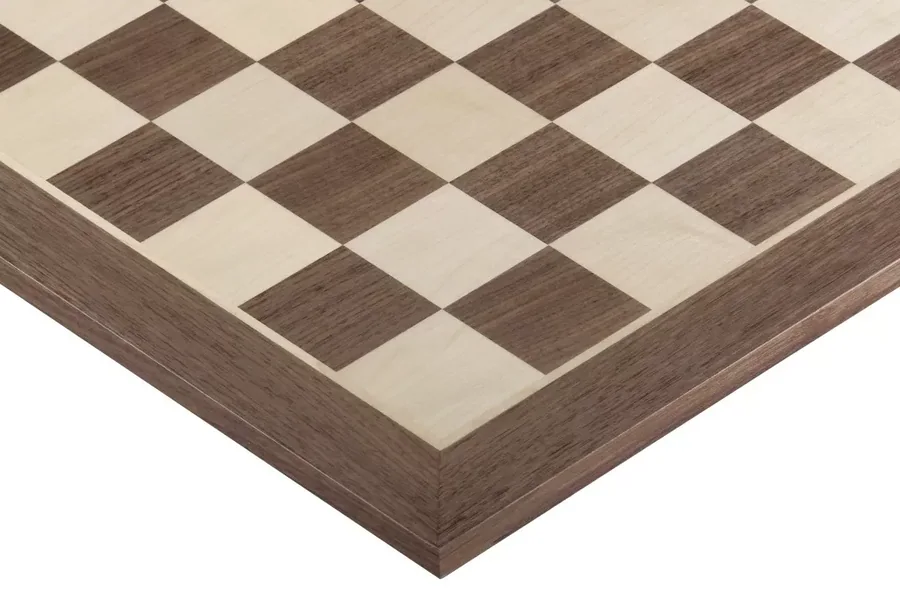
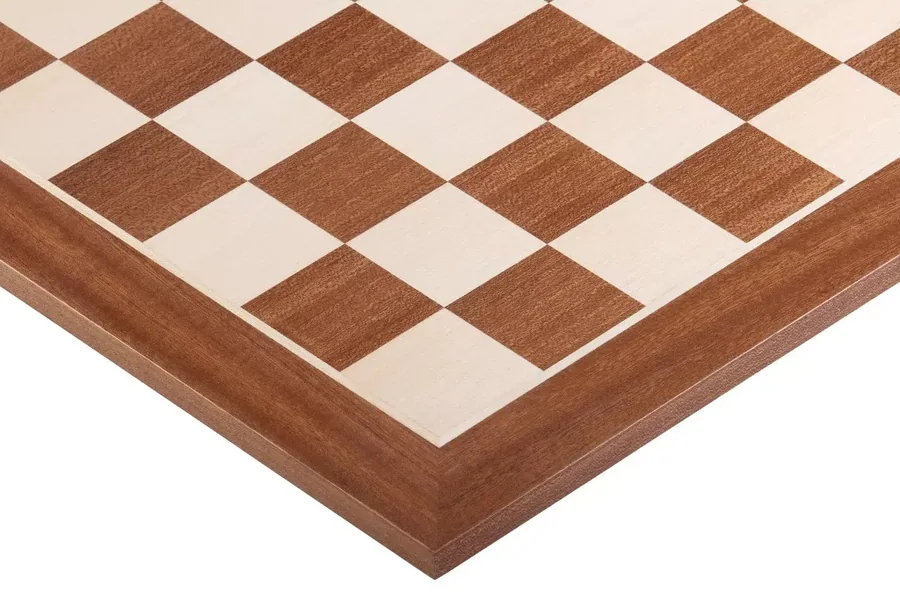
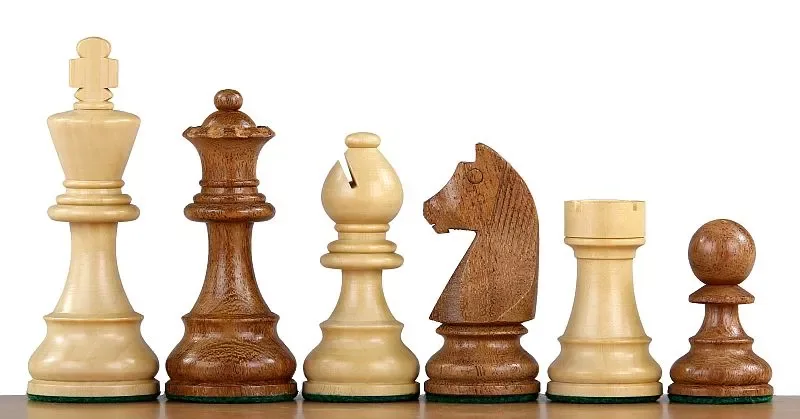
You choose the board you play on online: walnut, mahogany, wenge, black or acacia with boxwood. These are the colours of the boards and pieces in our shop. If you prefer playing at the table, you will find here the board you already know from online, and all other wooden chessboards in our shop.
Free online chess, no registration required
You can play chess online here right away: no account, no download and no advertisements. Choose a level and play. Your game is saved in your own browser, so tomorrow you can pick up where you left off.
Playing chess against the computer is the best way to practise whenever it suits you. The computer never gets impatient, plays at exactly the level you choose and lets you take back your moves. If you win a few games in a row, move up a level: that way you always play against an opponent who is just a little stronger. Beginners are best off starting with chess for beginners; for the youngest players there is chess for children.
Keep learning
Frequently asked questions
Question not listed? Email info@chessquarter.eu.
Is playing chess against the computer free here?
Yes. You can play as often as you like, without an account and without ads. The coach is free too; there is only a generous daily limit on the number of questions.
Do I need to install anything or create an account?
No. The chess computer runs in your browser, on your phone, tablet or computer. Your game is saved on your own device, so you can continue later.
How strong is the computer?
You choose from eight levels, from Pawn (around 400 rating, for those just starting out) to Grandmaster (full strength of Stockfish, stronger than any human). The ratings are an indication.
How does the coach work?
After every move you make, the computer calculates how good it was, and the coach shows this: from Best move to Blunder. Want to know why? Then the coach explains it in plain language. The explanation is based on the chess computer's calculation, so the moves are correct.
Can I take back moves?
Yes, with the Back button you take back your last move. This way you can fix a mistake and look for a better move yourself. Afterwards you can see how many hints you used.
Can I share my game?
Yes. After the game, use Share game to create an image and a link. Anyone who clicks the link can replay your game move by move.
Can I play chess online without registering?
Yes. You don't need to sign up and no app is required. Open the page, choose a level and start. Everything runs in your browser.
Does it also work on my phone?
Yes. You can drag the pieces, or tap a piece first and then the square. On a phone, the board is at the top and the coach is below it.
The chess engine is Stockfish (GPLv3, licence, source code). Pieces: Colin M.L. Burnett (CC BY-SA 3.0). Puzzles and opening names: Lichess (CC0). Chess logic: chess.js (BSD).